Introduction to AWS ML Services and Amazon SageMaker

1 Introduction
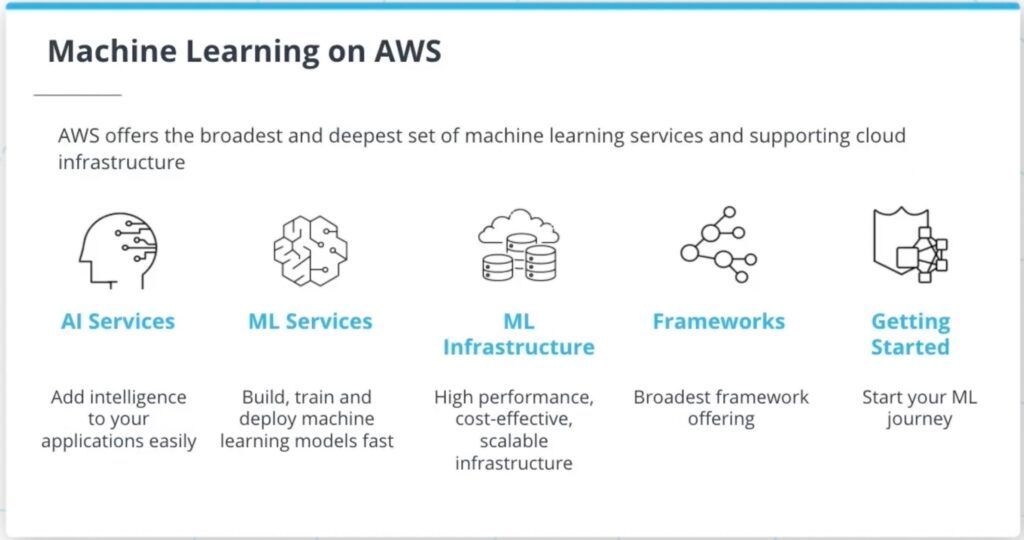
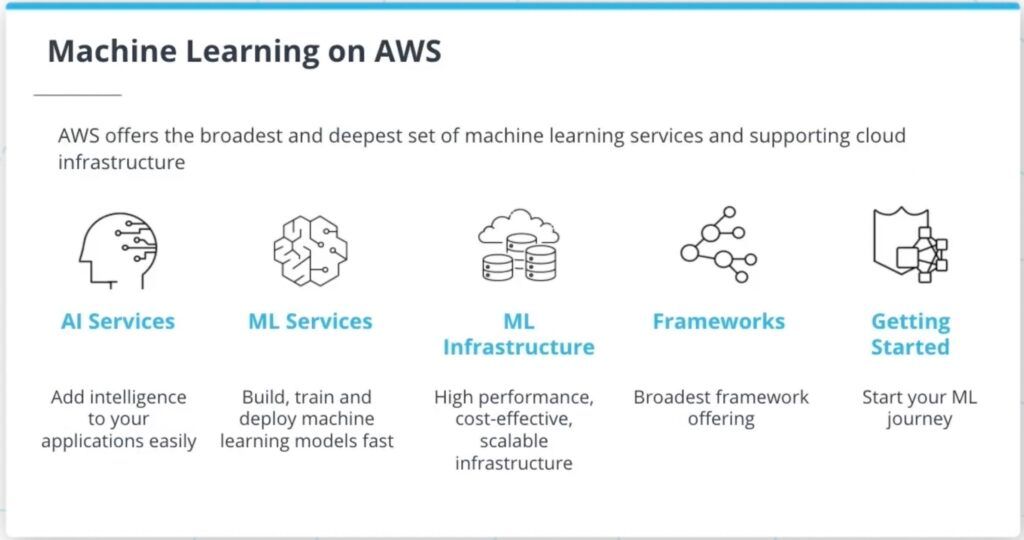
AWS (Amazon Web Services) offerings related to machine learning roughly split into two layers. One is AWS AI Services — these come with models already trained, so developers can just call an API to add capabilities like image recognition or speech-to-text into their own applications, without touching any model details. The other is AWS ML Services, whose flagship product is Amazon SageMaker, aimed at people who need to prepare their own data and train their own models, with the goal of simplifying the whole build-train-deploy pipeline.
This post covers the latter, using three tools as representatives: Amazon SageMaker Studio, Amazon SageMaker Distributed Training, and Amazon SageMaker Clarify. (This article was originally written in 2022; AWS has since adjusted SageMaker’s interface and feature naming, so check the official docs for the current details.)
2 Amazon SageMaker Studio
Put simply, Amazon SageMaker Studio is an IDE built specifically for machine learning. A full ML workflow includes dataset preprocessing, model selection and creation, training, and deployment — steps that used to be scattered across different tools. SageMaker Studio brings them together in a single interface, cutting down the cost of switching between tools.
Convenient notebook use and sharing Jupyter Notebook is practically standard equipment for developing ML models. SageMaker Studio is no exception: a few clicks are enough to spin up a notebook environment and share it with others, and the underlying compute resources are provisioned automatically — no need to set up a machine or install an environment yourself.
Structured tracking of experiment results Once a model is built, the next stage is round after round of experimentation — tweaking the architecture, or swapping in a different dataset. SageMaker Studio automatically sorts and organizes these experiment results into structured tables, saving you the trouble of manually logging “what changed this time and what score it got” in a spreadsheet.
Built-in models and solutions SageMaker Studio ships with over 150 open-source ML models and more than 15 use-case solutions (e.g., fraud detection). If your need happens to fall into one of these scenarios, you can have a model up and running within minutes.
Flexible choice of development environment There are currently three mainstream deep learning frameworks — TensorFlow, PyTorch, and MXNet — each with multiple versions to choose from. SageMaker Studio offers a variety of pre-built environments, and you’re also free to build your own and share it with others.
Framework performance optimization Speeding up model training usually requires a long list of fiddly settings before a framework can actually make full use of the machine’s hardware resources (GPUs). SageMaker Studio automatically optimizes the framework you’re using based on the available hardware.
3 Amazon SageMaker Distributed Training
Today’s state-of-the-art deep learning models routinely have parameter counts in the millions, and quite a few exceed billions. Take GPT-3, the natural language model released in May 2020, as an example — it has 175 billion parameters. A model at that scale is essentially impossible to train on a single GPU; the only option is to use parallelization techniques to spread the work across multiple GPUs, i.e. “distributed training.”
The problem is that distributed training comes with its own technical hurdles: how to split the data, how to synchronize gradients, how nodes communicate with each other — every one of these needs to be handled. This is exactly where Amazon SageMaker Distributed Training shines: developers only need to add a few lines of code to their existing training script to get automatic distributed training.
Under the hood, it relies on two parallelization techniques, distinguished by what gets split:
- Data Parallelism: splits a very large dataset apart, with each GPU holding a full copy of the model and a portion of the data, training concurrently to speed things up.
- Model Parallelism: splits a very large model into smaller pieces distributed across multiple GPUs. This becomes necessary once the model is too big to fit into a single GPU’s memory.
4 Amazon SageMaker Clarify
The composition of training data has a huge impact on the quality of a trained model. For example, if a model needs to make predictions across “different age groups,” but most of the training data consists of “middle-aged adults,” the model’s prediction accuracy for “the elderly” or “children” will end up noticeably lower. This is Model Bias caused by imbalanced data, and it leaves the model’s predictions carrying a “bias.”
Amazon SageMaker Clarify exists to address exactly this: it helps developers see the bias present in their data and models, so they can better understand how a model actually behaves. It approaches the problem from two angles.
For “training data,” Clarify works together with Amazon SageMaker Data Wrangler to identify bias in a dataset. You specify the attribute you want to examine (e.g. age, gender), and Clarify analyzes it and presents the results as a report.
For “models,” Clarify works with Amazon SageMaker Experiments to analyze the bias a trained model produces across different attributes in a test dataset — for example, whether the model is disproportionately likely to classify samples from “the elderly” into a particular category. The results are again presented as a visual report.
5 Conclusion
This post gave a brief overview of what AWS ML Services are, using three tools as representatives:
- Amazon SageMaker Studio: complete the entire ML development workflow inside an IDE built specifically for machine learning.
- Amazon SageMaker Distributed Training: handle large-scale datasets and models using data parallelism and model parallelism.
- Amazon SageMaker Clarify: observe the bias present in datasets and models.
These three tools happen to map onto the three points where ML projects most often get stuck: environment, compute, and data quality. If your project is already running into one of these problems, the corresponding service is a good place to start.